5 Tips to Create a Strong Password (Stay Safe Online in 2026)
In today’s digital world, almost everything we do happens online—banking, shopping, social media, emails, work tools, and even government services. But with convenience comes risk. Cybercrime, data breaches, and hacking attempts are increasing every year, and the weakest link in online security is often a weak password.
Many people still use simple passwords like 123456, password, admin, or their date of birth. These passwords can be cracked in seconds by hackers using automated tools. That’s why creating a strong and secure password is no longer optional—it’s essential.
In this article, we’ll share 5 practical and proven tips to create a strong password, explain why password security matters, and show you how to easily generate unbreakable passwords using a free online tool.
Why Is a Strong Password So Important?
Before jumping into the tips, let’s understand why strong passwords matter.
A weak password can lead to:
- Hacked social media accounts
- Bank account fraud
- Identity theft
- Data leaks
- Loss of personal and professional information
👉 A strong password acts as your first line of defense against these attacks.
Tip #1: Use a Long Password (Length Matters More Than You Think)
One of the most important rules of password security is password length.
Why Longer Passwords Are Safer
- Short passwords (6–8 characters) can be cracked within minutes
- Longer passwords take years—or even centuries—to crack
- Each extra character increases complexity exponentially
Recommended Password Length
- Minimum: 12 characters
- Best practice: 14–20 characters
Example
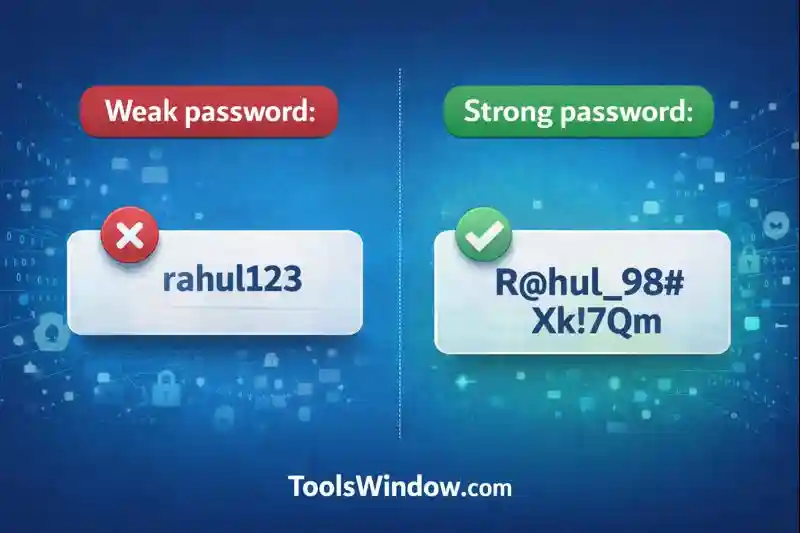
❌ Weak password:
rahul123
✅ Strong password:
R@hul_98#Xk!7Qm
Even if a password contains symbols and numbers, short length still makes it vulnerable. So always aim for length first.
Tip #2: Mix Uppercase, Lowercase, Numbers & Symbols
A strong password should be complex, meaning it uses different types of characters.
What to Include in a Strong Password
- Uppercase letters (A–Z)
- Lowercase letters (a–z)
- Numbers (0–9)
- Special symbols (! @ # $ % ^ & *)
Why This Works
Hackers often start with:
- Common words
- Simple number combinations
- Predictable patterns
When you mix characters, it becomes extremely difficult for attackers to guess or crack your password.
Example
❌ Weak:
password2025
✅ Strong:
P@55w0rD!2026#
Tip #3: Never Use Personal Information
This is one of the most common mistakes people make.
Avoid Using:
- Your name
- Date of birth
- Phone number
- Pet name
- City or country name
- Username or email ID
According to cybersecurity reports, over 80% of data breaches happen due to weak or reused passwords. Hackers use techniques like brute-force attacks, dictionary attacks, and leaked password databases to gain access to accounts.
Hackers can easily find personal details from:
- Social media profiles
- Public records
- Data leaks
Example
❌ Very weak:
Rakesh1995
✅ Much stronger:
9X!pA@Lk_7Tq#Z
👉 A password should look random and meaningless.
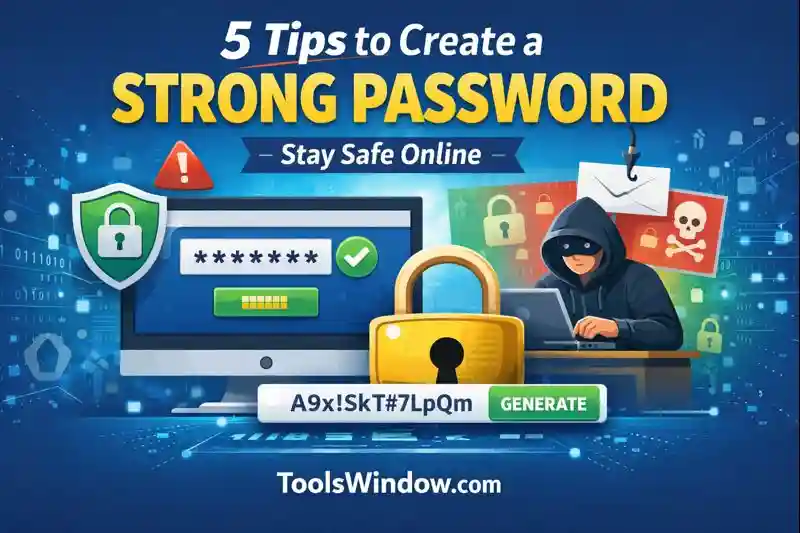
Tip #4: Use a Password Generator (Smart & Secure Way)
Creating complex passwords manually can be difficult—and remembering them is even harder. This is where a Password Generator tool becomes extremely useful.
Why Use a Password Generator?
- Creates 100% random passwords
- Includes letters, numbers & symbols
- Eliminates human error
- Saves time
- Much more secure than self-created passwords
Best Free Password Generator Tool
If you’re looking for a fast, free, and reliable password generator, we highly recommend using this tool:
🔐 ToolsWindow Password Generator
👉 https://toolswindow.com/password-generator/
Key Features of ToolsWindow Password Generator
- Generate strong passwords instantly
- Customize password length
- Include/exclude symbols, numbers & letters
- No signup required
- Works on mobile & desktop
- Completely free
Instead of guessing or reusing old passwords, just generate a new strong password in one click.
Tip #5: Use a Unique Password for Every Account
Many people use the same password for:
- Gmail
- Banking
- Shopping websites
This is extremely dangerous.
Why Reusing Passwords Is Risky
If one website gets hacked:
- Hackers try the same password everywhere
- All your accounts can be compromised
Best Practice
- Use a unique password for every important account
- Especially for:
- Banking
- Social media
- Cloud storage
- Work accounts
Using a password generator like ToolsWindow makes it easy to create different strong passwords for each website.
Bonus Tip: Use a Password Manager (Optional but Recommended)
If you find it hard to remember multiple passwords, consider using a password manager.
Benefits
- Stores passwords securely
- Auto-fills login details
- Protects you with one master password
But even if you don’t use a password manager, you can still generate and save strong passwords safely using ToolsWindow.
Common Password Mistakes to Avoid
Even smart users make these mistakes. Make sure you don’t:
❌ Use 123456, qwerty, admin
❌ Reuse old passwords
❌ Share passwords on WhatsApp or Email
❌ Save passwords in plain text
❌ Ignore password change alerts
How Often Should You Change Your Password?
- Every 3–6 months for important accounts
- Immediately if:
- You suspect hacking
- A website reports a data breach
- You logged in on a public device
Using a password generator makes changing passwords quick and painless.
How ToolsWindow Helps You Stay Secure Online
ToolsWindow.com is built to provide simple, fast, and free online tools for everyday users. The Password Generator tool is specially designed to help users:
- Protect their digital identity
- Avoid weak passwords
- Improve online security
- Stay safe from hackers
👉 Try it now:
🔗 https://toolswindow.com/password-generator/
Final Thoughts
Creating a strong password is not complicated—it just requires the right approach and tools.
Quick Recap: 5 Tips to Create a Strong Password
- Use a long password (12–20 characters)
- Mix uppercase, lowercase, numbers & symbols
- Avoid personal information
- Use a trusted password generator
- Never reuse passwords
In 2026, cyber threats are more advanced than ever. Don’t give hackers an easy entry point. Take a few seconds today to create a strong, secure password and protect your online life.
🔐 Generate your strong password now using ToolsWindow:
👉 https://toolswindow.com/password-generator/
Read Also: